Titre à mettre en H1
Un slogan impactant
Your content goes here. Edit or remove this text inline or in the module Content settings. You can also style every aspect of this content in the module Design settings and even apply custom CSS to this text in the module Advanced settings.
Titre à mettre en H2
Un slogan impactant
Your content goes here. Edit or remove this text inline or in the module Content settings. You can also style every aspect of this content in the module Design settings and even apply custom CSS to this text in the module Advanced settings.
Titre à mettre en H3
Un slogan impactant
Your content goes here. Edit or remove this text inline or in the module Content settings. You can also style every aspect of this content in the module Design settings and even apply custom CSS to this text in the module Advanced settings.
Titre à mettre en H4
Un slogan impactant
Your content goes here. Edit or remove this text inline or in the module Content settings. You can also style every aspect of this content in the module Design settings and even apply custom CSS to this text in the module Advanced settings.
Titre à mettre en H5
Un slogan impactant
- Your content goes here.
- Edit or remove this text inline
- In the module Content settings.
- You can also style every aspect of this content in the module Design settings and even apply custom CSS to this text in the module Advanced settings.
Titre à mettre en H6
Un slogan impactant
Your content goes here. Edit or remove this text inline or in the module Content settings. You can also style every aspect of this content in the module Design settings and even apply custom CSS to this text in the module Advanced settings. Your content goes here. Edit or remove this text inline or in the module Content settings. You can also style every aspect of this content in the module Design settings and even apply custom CSS to this text in the module Advanced settings.Your content goes here. Edit or remove this text inline or in the module Content settings. You can also style every aspect of this content in the module Design settings and even apply custom CSS to this text in the module Advanced settings.
Un slogan impactant H1
Un slogan impactant H2
Un slogan impactant H3
Un slogan impactant H4
Un slogan impactant H5
Un slogan impactant h6
Un slogan impactant H1
Un slogan impactant H2
Un slogan impactant H3
Un slogan impactant H4
Un slogan impactant H5
Un slogan impactant h6
Un slogan impactant H1
Un slogan impactant H2
Un slogan impactant H3
Un slogan impactant H4
Un slogan impactant H5
Un slogan impactant h6
Titre à mettre en H1
Your content goes here. Edit or remove this text inline or in the module Content settings. You can also style every aspect of this content in the module Design settings and even apply custom CSS to this text in the module Advanced settings.
Titre à mettre en H2
Your content goes here. Edit or remove this text inline or in the module Content settings. You can also style every aspect of this content in the module Design settings and even apply custom CSS to this text in the module Advanced settings.
Titre à mettre en H3
Your content goes here. Edit or remove this text inline or in the module Content settings. You can also style every aspect of this content in the module Design settings and even apply custom CSS to this text in the module Advanced settings.
Titre à mettre en H4
Your content goes here. Edit or remove this text inline or in the module Content settings. You can also style every aspect of this content in the module Design settings and even apply custom CSS to this text in the module Advanced settings.
Titre à mettre en H5
- Your content goes here.
- Edit or remove this text inline
- In the module Content settings.
- You can also style every aspect of this content in the module Design settings and even apply custom CSS to this text in the module Advanced settings.
Titre à mettre en H6
Your content goes here. Edit or remove this text inline or in the module Content settings. You can also style every aspect of this content in the module Design settings and even apply custom CSS to this text in the module Advanced settings. Your content goes here. Edit or remove this text inline or in the module Content settings. You can also style every aspect of this content in the module Design settings and even apply custom CSS to this text in the module Advanced settings.Your content goes here. Edit or remove this text inline or in the module Content settings. You can also style every aspect of this content in the module Design settings and even apply custom CSS to this text in the module Advanced settings.

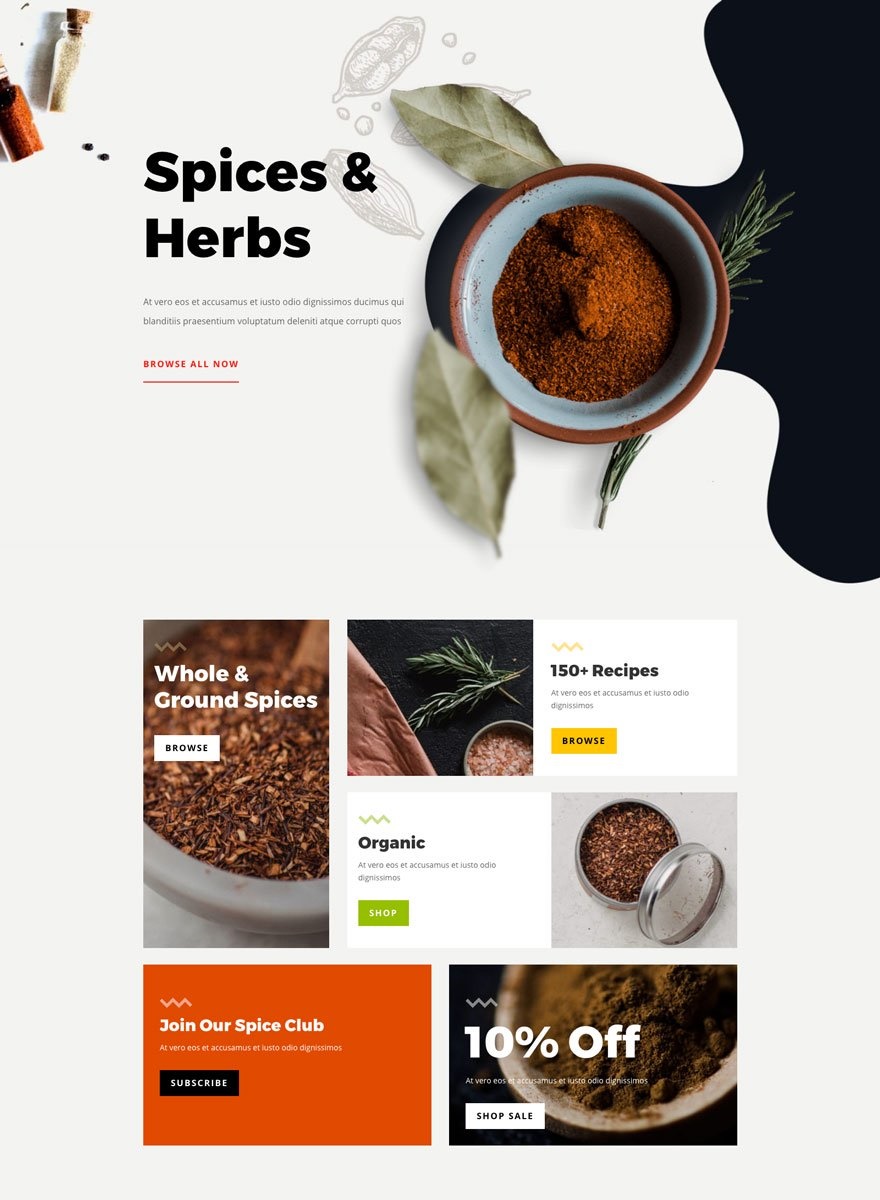
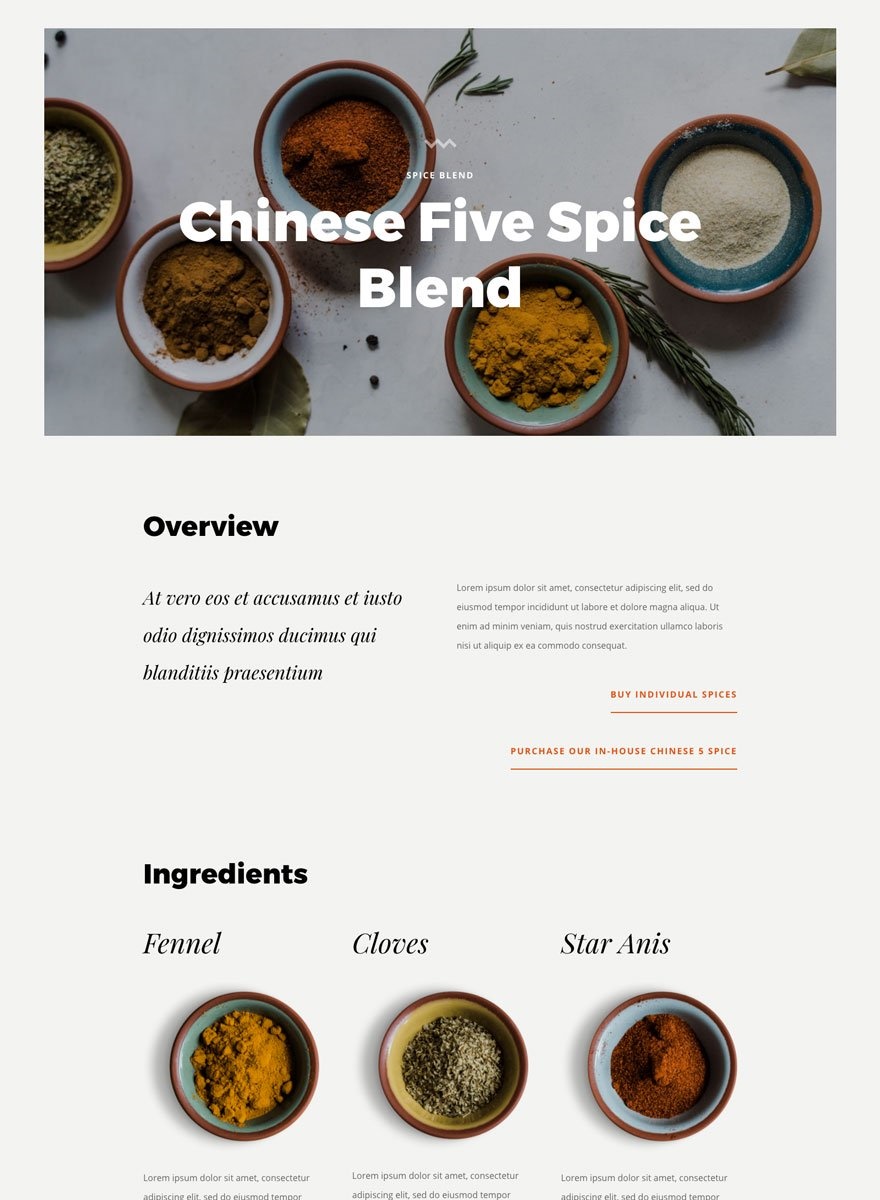
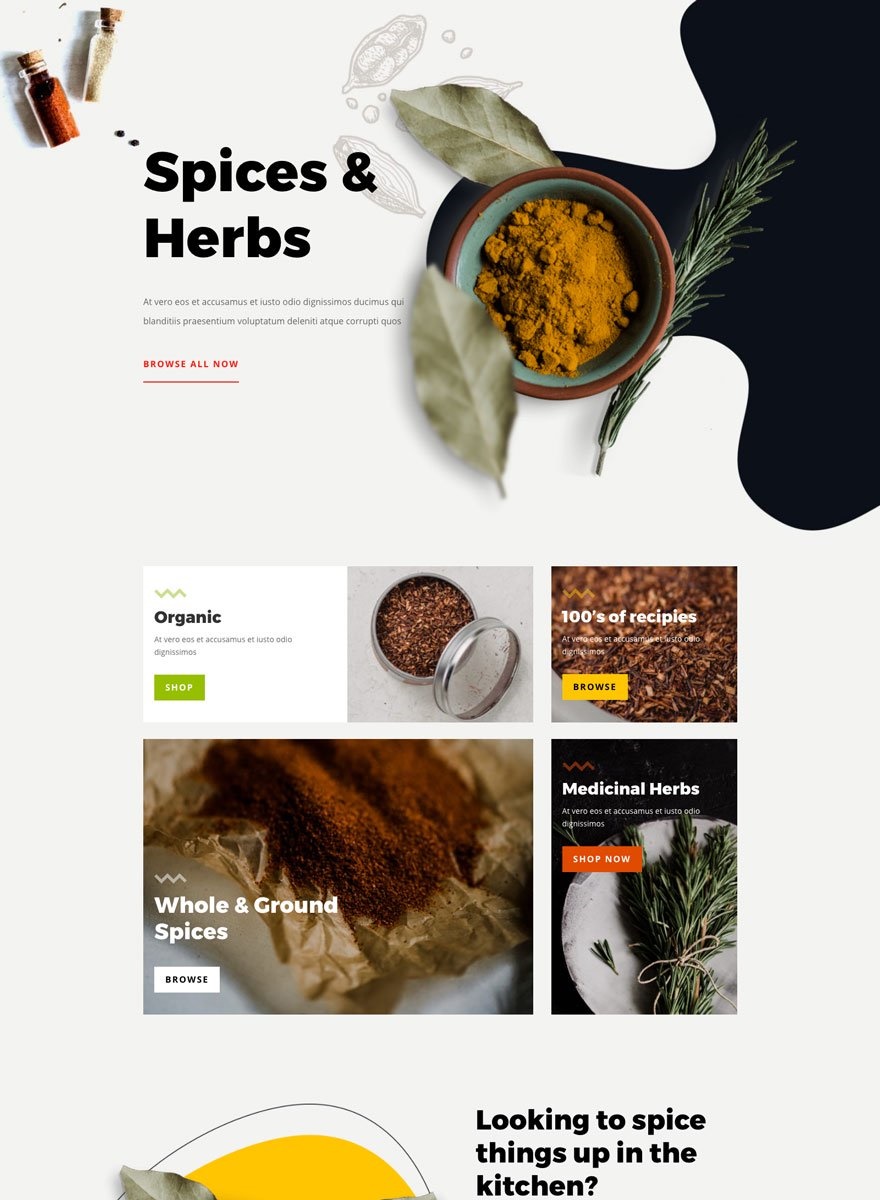
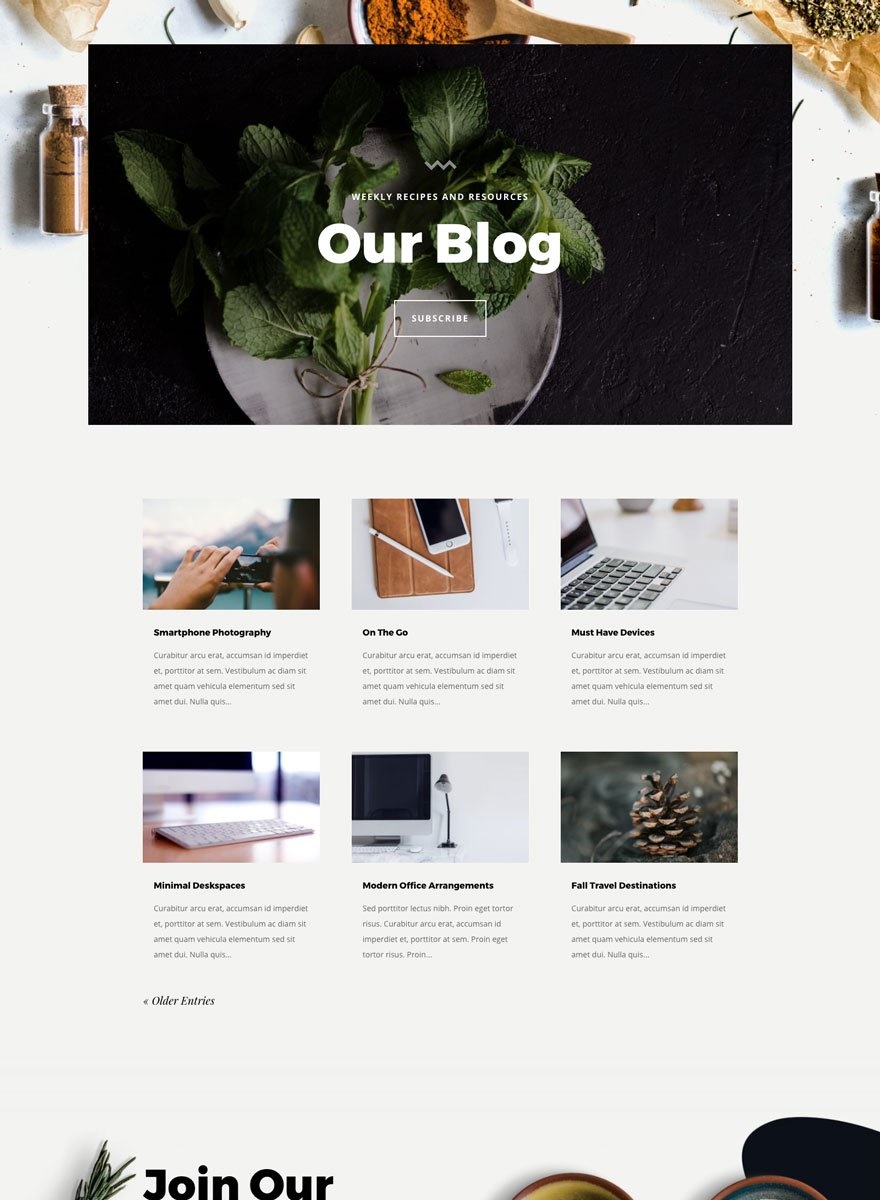
Check out the free
Spice Shop Layout Pack
Your content goes here. Edit or remove this text inline or in the module Content settings. You can also style every aspect of this content in the module Design settings and even apply custom CSS to this text in the module Advanced settings. Your content goes here. Edit or remove this text inline or in the module Content settings. You can also style every aspect of this content in the module Design settings and even apply custom CSS to this text in the module Advanced settings.Your content goes here. Edit or remove this text inline or in the module Content settings. You can also style every aspect of this content in the module Design settings and even apply custom CSS to this text in the module Advanced settings.
This global presets style guide is a great way to start a new web design project! Wondering how to turn modules into global presets? For a detailed tutorial on how to use this style guide, click on the link below to be redirected.